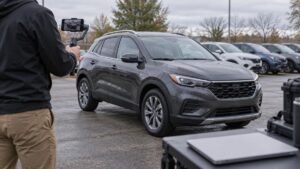




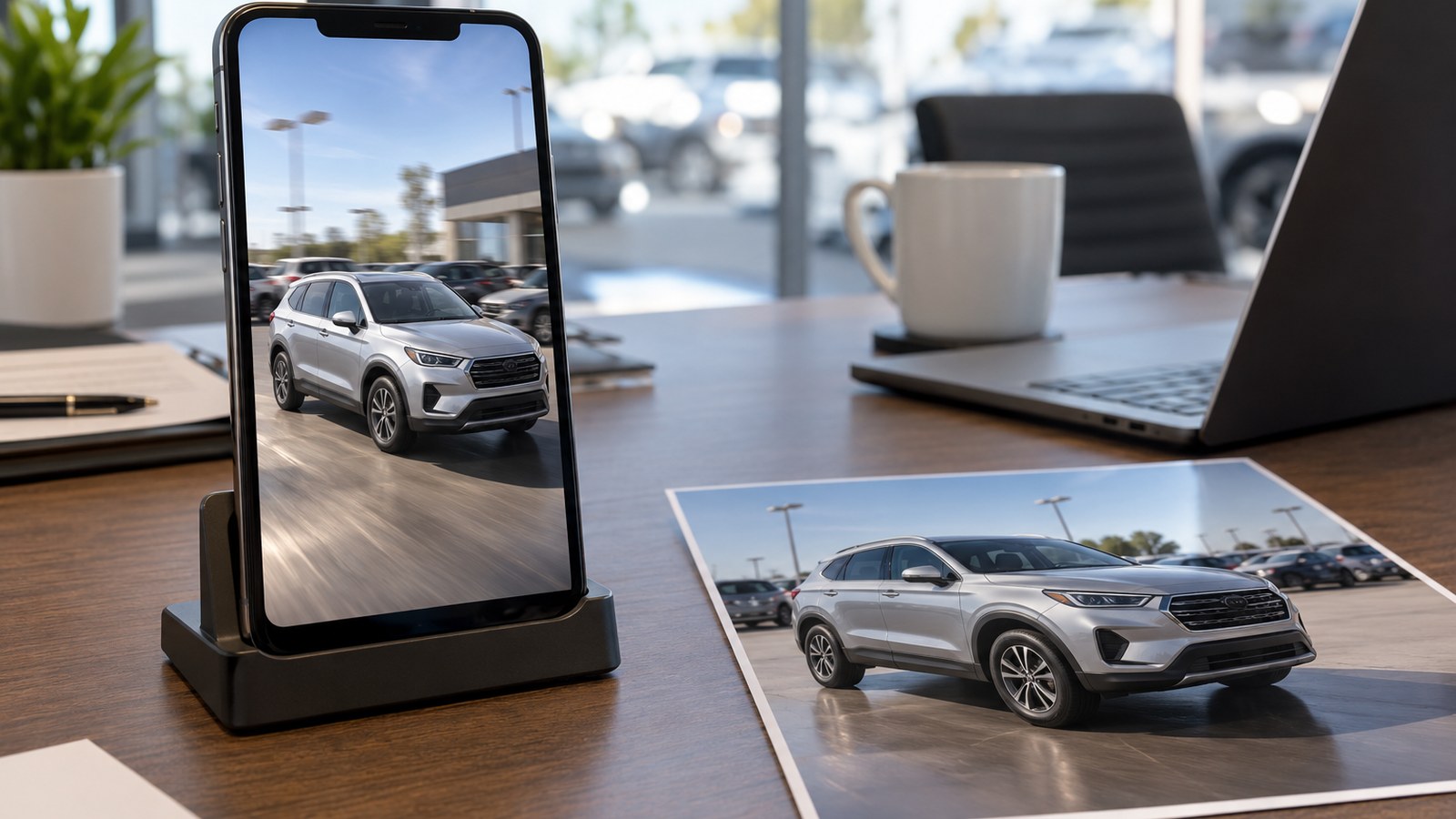
Most dealerships have thousands of inventory photos and only a handful of videos. Meta just made that gap easier to close. Advertisers can now take static images they already have and turn them into video ads inside Advantage+ creative, and Meta says the feature is generally available. That’s a real shortcut for a busy store. It also means software now decides how your vehicles move on screen, so somebody at the dealership needs to watch every clip before it goes live.
- Meta says video generation from existing static assets in Advantage+ creative is now generally available.
- Catalog video, scheduled tasks and some new business assistant abilities aren’t open to every advertiser yet.
- Dealers should check every generated video for vehicle accuracy, offer details and brand fit before it runs.
What Meta Rolled Out and What’s Still Coming
Meta used its Advertising Week presentation in New York to announce a batch of AI ad updates. The one that matters most for dealers right now is simple. In Advantage+ creative, advertisers and agencies can generate video from static assets, and Meta calls that feature generally available.
Meta also said its Ads Creative Studio is opening up to more advertisers. Meta says marketers can use it to generate new video concepts and variations. They can then change hooks, adjust audio and clip length, add text overlays and captions, or swap end scenes. Ads Creative Studio launched earlier this year with selected partners, so whether you can use it may still depend on your account.
It’s easy to read a list of announcements and assume everything is live. It isn’t. Meta is also working on simplified video generation from catalog listings, which sounds like a natural fit for a dealership with a vehicle feed. That one is in beta with different availability, so don’t plan a campaign around it yet. The same goes for Meta’s upgraded business assistant. Meta is adding abilities that would let the assistant generate creative, update targeting and even change an ad’s budget from conversational prompts. Scheduled tasks like recurring performance reports and alerts are in testing too. If any of these show up in your account, treat them as early tools.
Why This Fits a Dealership Full of Photos
Think about how inventory content gets built at a lot of stores. Each unit gets a set of stills, like the front three quarter view, the side profile, the interior, the dash and the cargo area. Video takes more time, so it often gets saved for a few featured units or special events.
Turning stills into video lets you put motion behind photos you already own. For a used car that could be gone in a few weeks, that can mean the difference between running a video ad and running none at all. And because the video starts from your own image, the photo matters more than ever. A clean, well lit shot gives the tool something good to work with. A blurry photo with a traffic cone in the background gives it a problem.
Why Every Generated Clip Needs a Human Review
Motion can change what a shopper thinks they’re seeing. Car ads carry details that matter to buyers and to the people who enforce advertising rules, so give each video a real look before you approve it. Here’s a quick checklist.
- Does the vehicle still look like the actual unit, with the right trim, wheels, color and badging?
- If text or captions were added, do they match the price, payment and offer terms you set?
- Is any disclaimer readable, and does it stay on screen long enough?
- Does the final frame point to the right vehicle and the right next step?
- Does the clip feel like your store, or like a generic template?
Let Cost Per Lead Decide Which Videos Stay
Once a clip passes review, judge it like any other ad. Run it next to your best static image ads and compare cost per lead, not how slick it looks. If the generated video brings in calls, form fills and test drive requests for less money, keep it running. If it doesn’t, the photo version may be doing the job just fine.
Start small. Pick a handful of units with strong photos, generate videos, review each one and give them enough budget for a fair comparison. Then decide whether to expand across more of your inventory. The feature is ready now. Make sure your review process is ready before the first clip runs.
This post may contain affiliate links. Meaning a commission is given should you decide to make a purchase through these links, at no cost to you. All products shown are researched and tested to give an accurate review for you.